
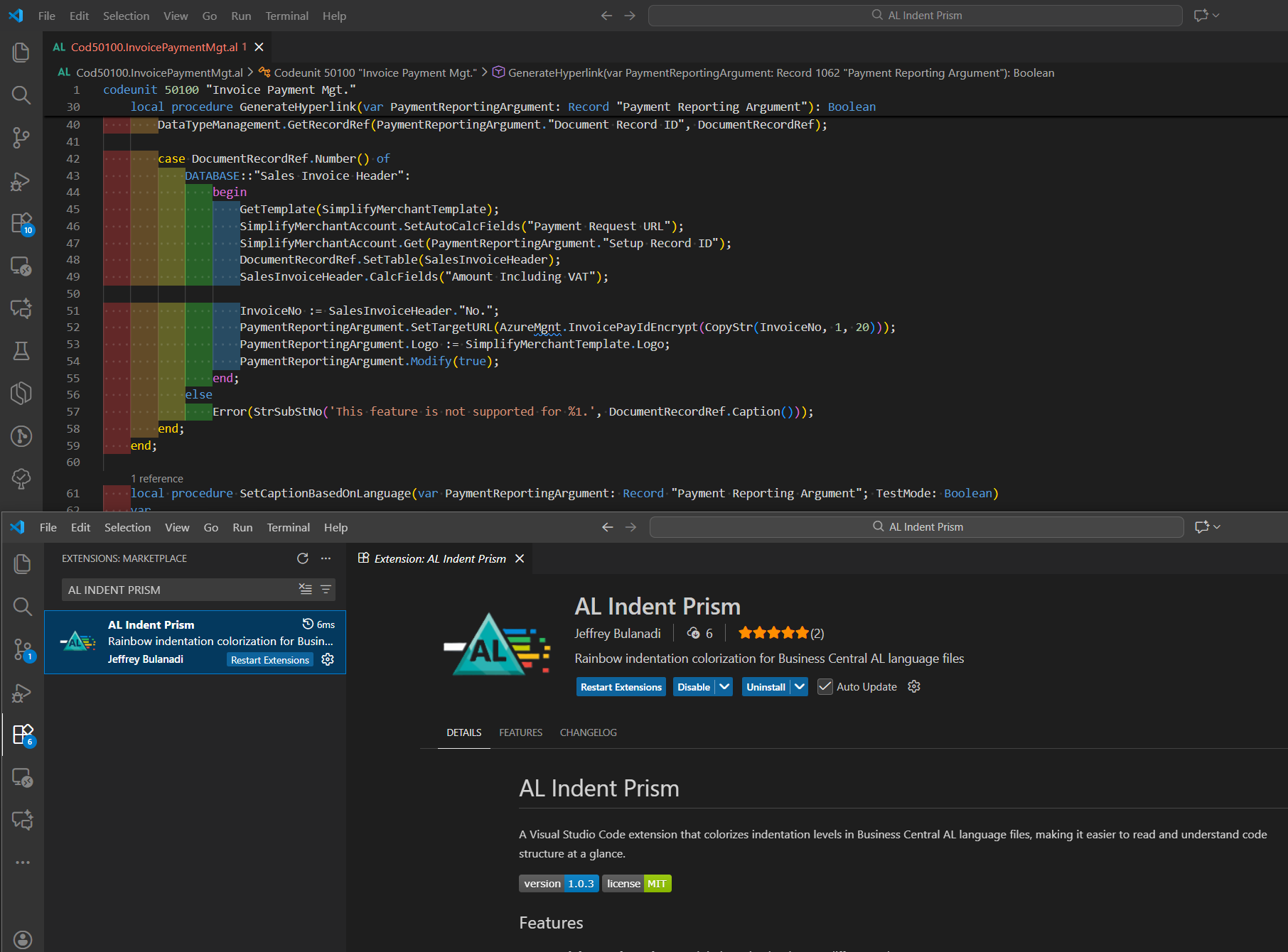

Simplify AL Code Review with Colorful Indentation (a VS Code extension for BC)
Yo BC Artisans,
Before the holiday shutdown, I was reviewing some AL code with very deep nesting. It was hard to read.
Imagine building a tower with blocks. Each new block stacks on top of the last. The higher it gets, the harder it is to see where one ends and the next begins.
AL code can feel the same way. Lines sit inside other lines, that’s indentation. In big files, it’s easy to lose track of which piece belongs where.
AL Indent Prism is a small VS Code extension I wrote. It adds soft colors behind each indent level. The deeper you go, the color changes, making it easy to follow the structure without guessing.
What it does
When you turn it on, you get a few simple things:
- Each indent level has its own background color
- Only works in AL files
- Works with both light and dark themes
- You can change the colors and the indent size
- Updates as you type, so you see changes immediately
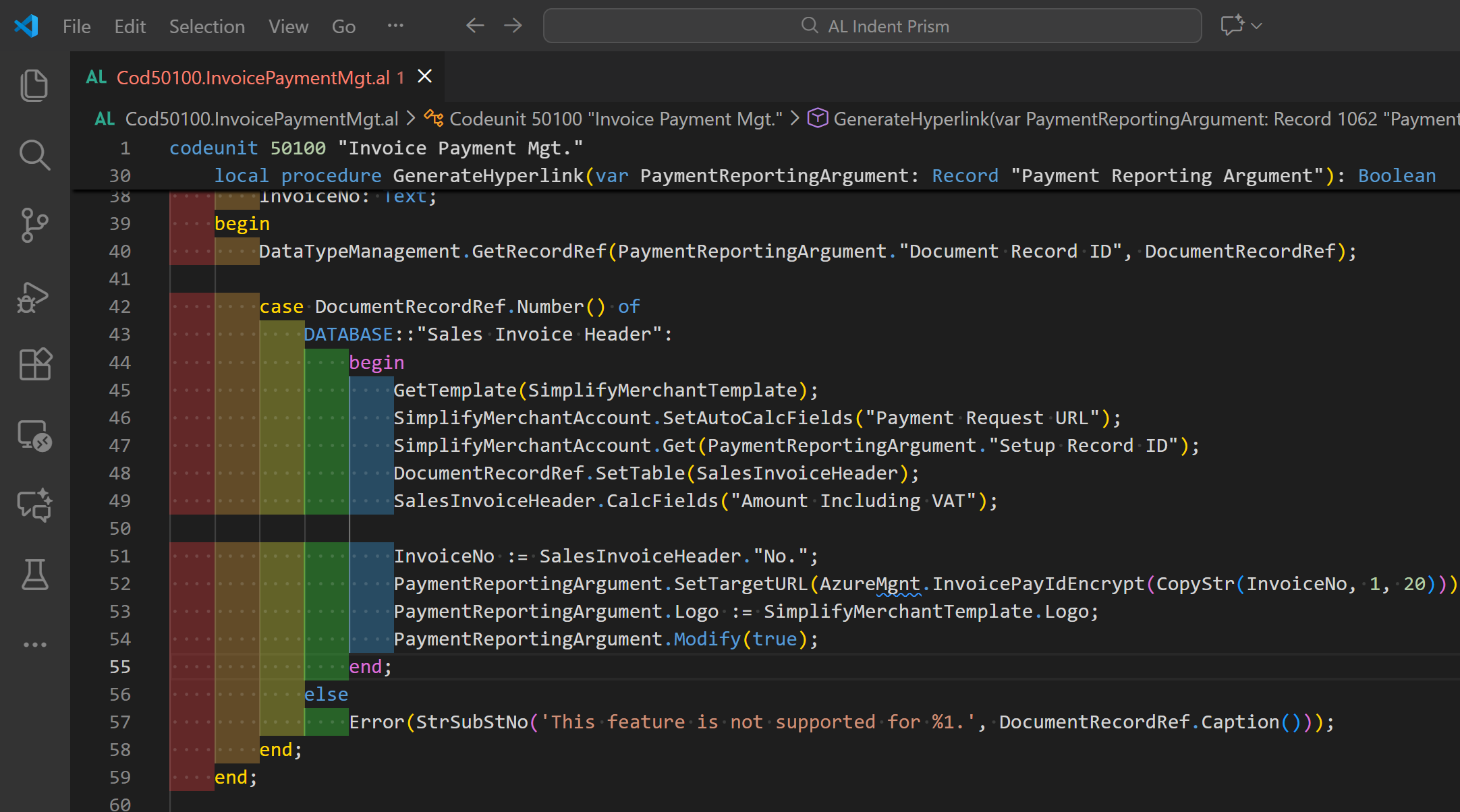
That’s basically it, nothing fancy, just visual help to follow nested code.
Why it helps
Deep nesting is hard to follow. Colors give quick visual markers, so you can spot a wrong indent or see which case or repeat belongs where without counting spaces. Reviews go faster because you can quickly understand the structure and focus on the details that matter.
How to use it
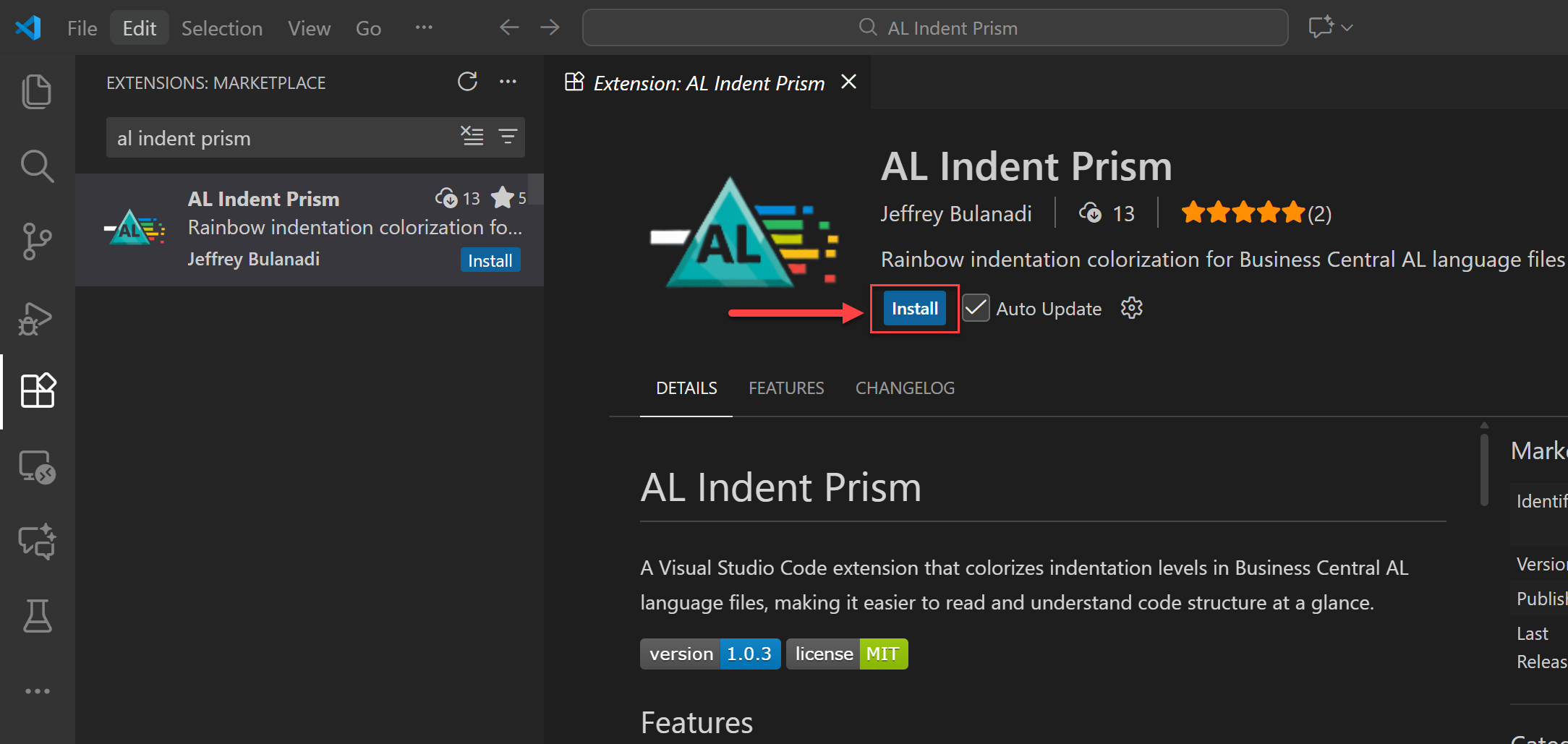
Getting it is simple. Just search for "AL Indent Prism" in the VS Code Marketplace, or check out the repository here: github.com/jeffreybulanadi/al-indent-prism
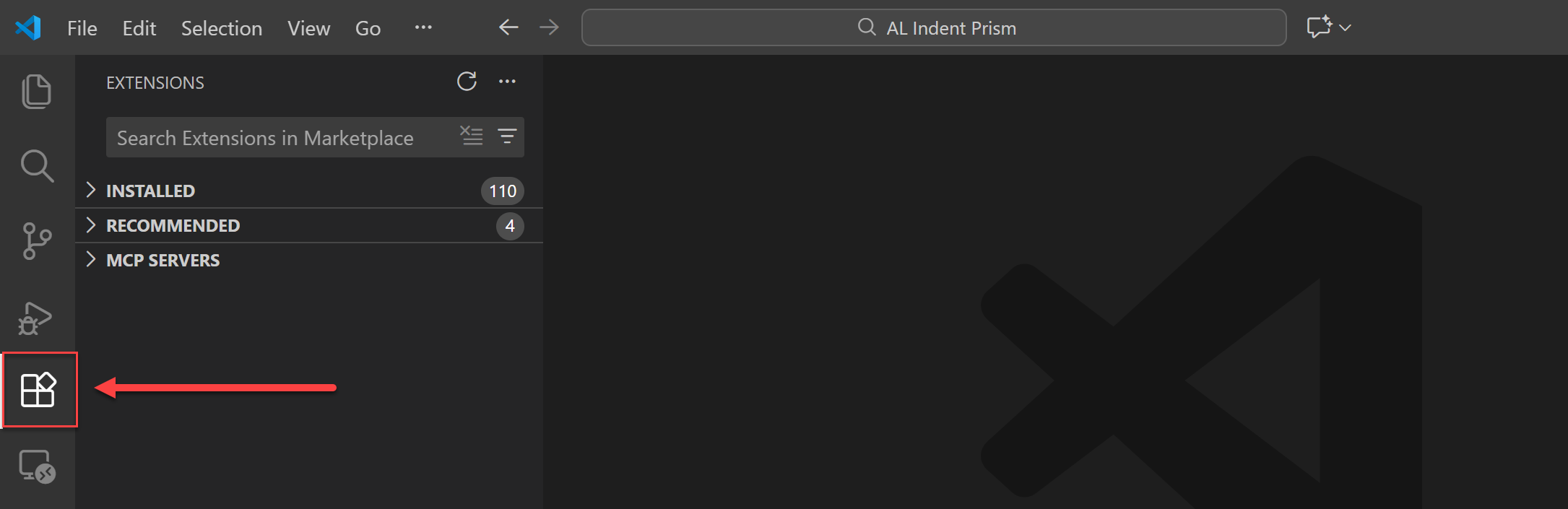
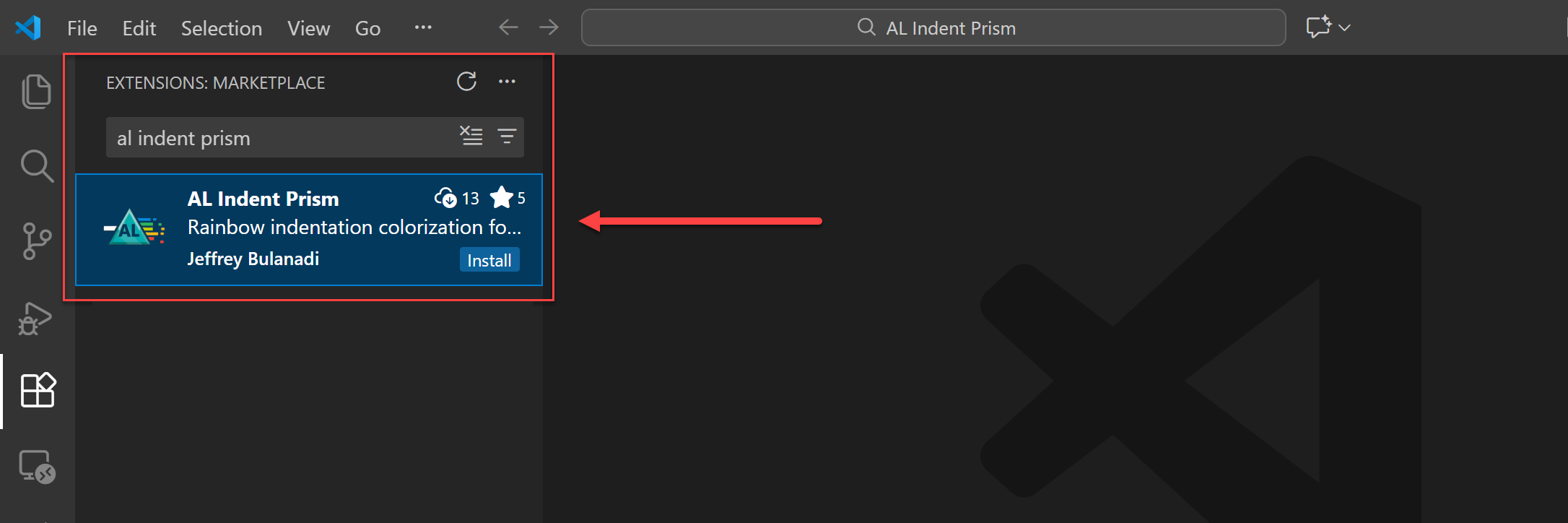
Try it
Open any table, page, or codeunit and scroll through a nested area. You’ll see the colors highlighting each level, making it easy to follow the structure.
If you like, you can make the colors softer or stronger in the settings.
Settings
In VS Code settings, you can tweak things like this:
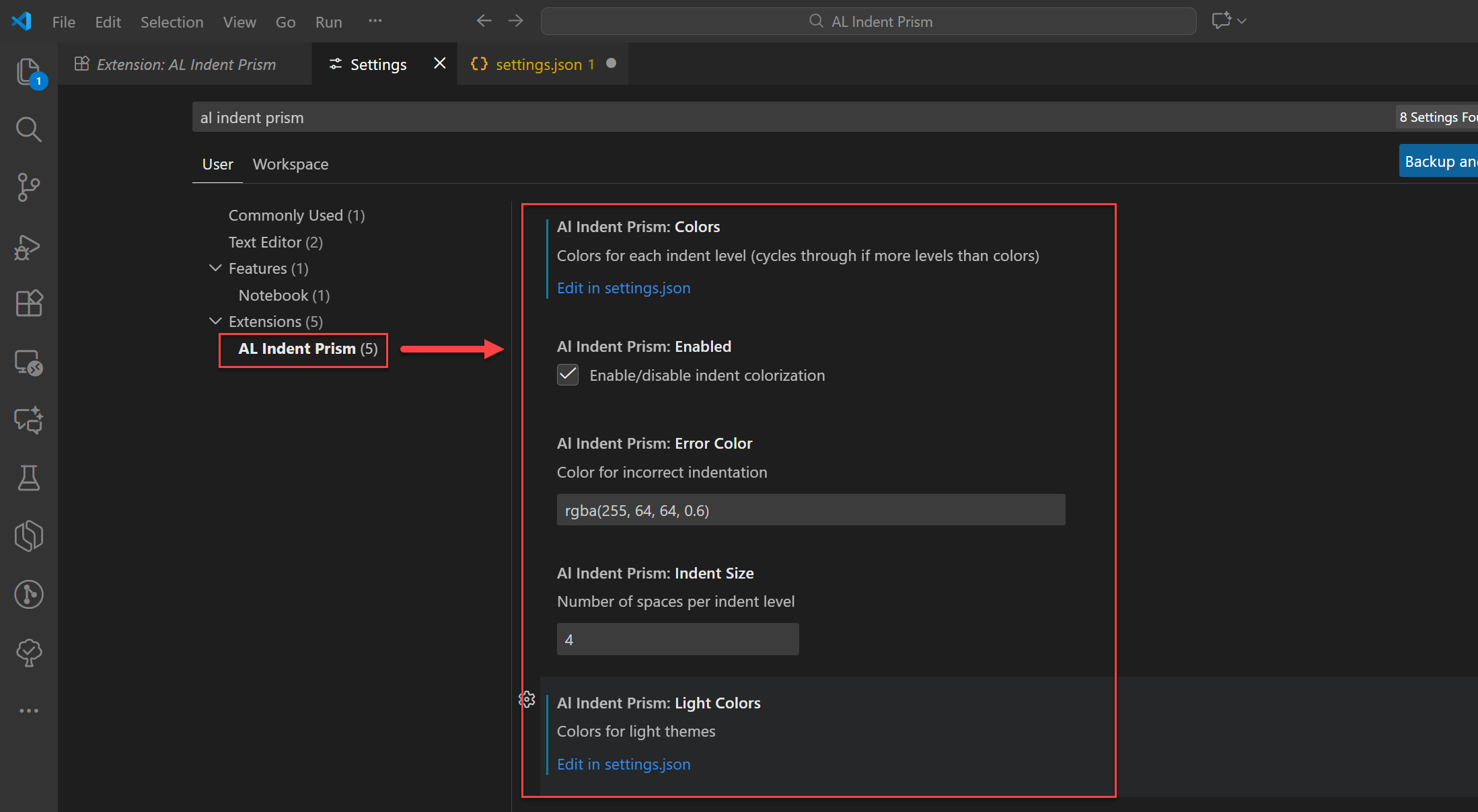
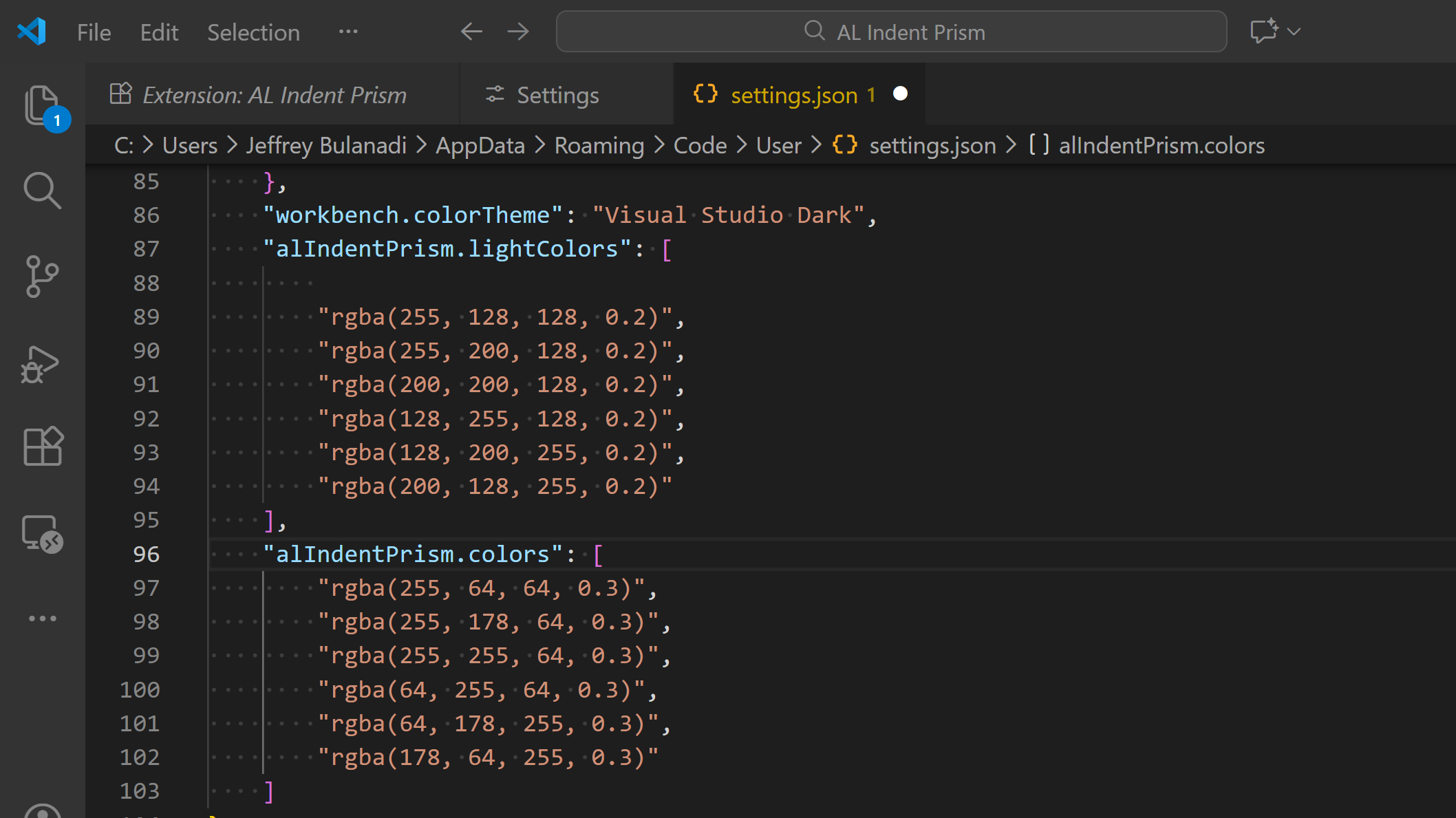
Nothing fancy here, just set your preferred colors and indent size.
Simple examples
Here’s where it really helps:
- Tables with nested fields and triggers become easier to scan
- Page actions and groups show clear levels at a glance
- Codeunits with deep procedures are easier to follow
Final Thoughts
- It doesn’t change your code.
- It only works on AL files.
- It’s meant to stay simple and reliable.
If it helps you read your code more easily or prevents a late mistake, that’s already enough.
Support for the Community
I’d love to hear what you think about this VS Code extension. If you find a bug, raise an issue, or even do a pull request, that would be awesome. Give it a try and see how it works for you.
Feel free to share it with other Microsoft Dynamics 365 developers, let’s get this tool into the hands of people who could really use it.
If you enjoy tools like this, deep dives, and knowledge beyond Business Central, you can follow me: Jeffrey Bulanadi.
Open Source Repository
This extension is open source, so feel free to poke around. Check it out here: AL Indent Prism on GitHub.
Join the Conversation
Share your thoughts, ask questions, or discuss this article with the community. All comments are moderated to ensure quality discussions.
No comments yet
Be the first to start the conversation!
0 Comments
Leave a Comment